
Most people think the hardest part of working from the road is staying motivated. It’s not. The hardest part is that your “perfect” setup collapses the moment you hit a hostel with one outlet, a chair that feels like a medieval torture device, and Wi-Fi that drops every time someone microwaves leftovers.
I spent six weeks testing mobile office gear across three countries. What I found surprised me: the stuff that fails first is rarely the laptop. It’s everything around it.
The Power Problem Nobody Plans For
Your laptop battery is not the issue. The MacBook Pro M4 lasts 18 hours on a charge. The problem is every other device draining power simultaneously — phone, earbuds, portable monitor, hotspot. By 3 PM, you’re playing musical chairs with a single USB-C port.
The Anker Prime 27,650mAh power bank ($179) solves this better than most. It pushes 250W total output across three ports. You can charge a MacBook at full speed while topping up a phone and earbuds simultaneously. At 27,650mAh, it’s under the 100Wh airline limit, so it flies in carry-on without questions.
Skip the cheap $30 power banks. They charge at 15W, which means your laptop drains faster than it refills. You’re carrying dead weight.
What Actually Drains Your Battery Fastest
- Portable monitors — they pull 15-20W continuously
- Phone hotspots — 5G radios burn power aggressively
- Bluetooth peripherals — mice and keyboards add up over a full day
- VPN software — constant encryption overhead hits CPU and battery
Wi-Fi: The Silent Productivity Killer
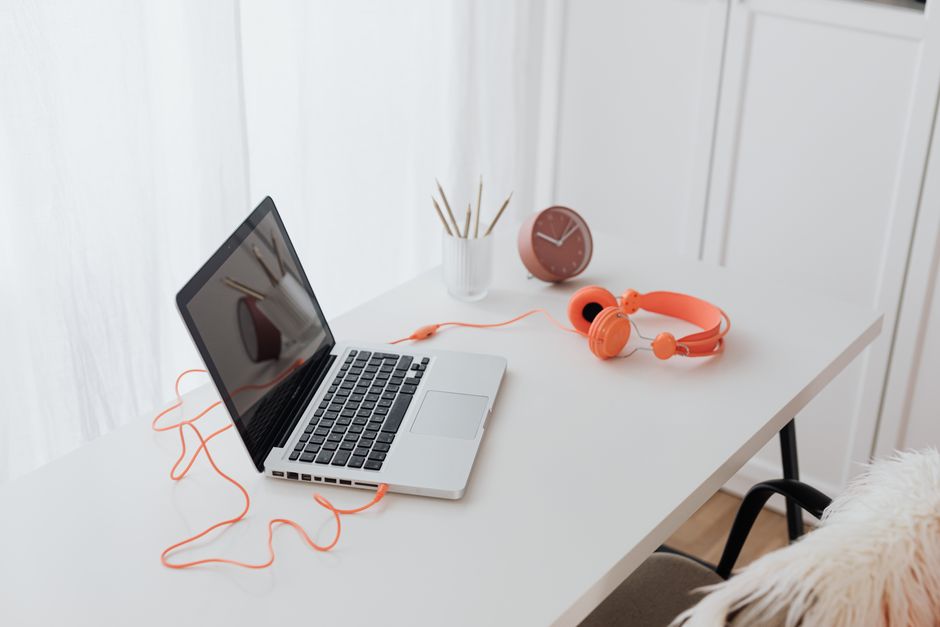
Café Wi-Fi is a lottery. Hotel Wi-Fi is often worse. You need a fallback that doesn’t depend on luck.
The TP-Link AC750 travel router ($40) is the single most underrated piece of nomad gear. Plug it into any Ethernet port — which many hotels still have hidden behind the desk — and it creates your own private network. Your laptop, phone, and tablet all connect to it. You log in once, not five times.
Even better: it runs off a USB power bank. When the café router dies, you’re still online through your phone’s hotspot, but now all your devices share that one connection without reconfiguring anything.
A common mistake is buying a travel router with too many features. You don’t need a VPN server or NAS support. You need something that works in 90 seconds when you’re tired and jet-lagged.
Ergonomics: Your Back Is the Real Deadline
Hunching over a laptop for four hours hurts. Do it for four months and you’ll have chronic neck pain that no amount of stretching fixes. This is the failure mode nobody talks about until it’s too late.
The Roost Laptop Stand ($89) weighs 170 grams and folds to the size of a candy bar. It raises your screen to eye level. Pair it with any compact Bluetooth keyboard and you’ve got a real workstation in two minutes.
Yes, it’s expensive for a piece of plastic and aluminum. But it’s the only stand I’ve found that doesn’t wobble on uneven café tables and actually fits in a laptop sleeve.
When NOT to Buy a Laptop Stand
If you work from a proper desk with an external monitor most of the time, skip it. If you travel once a year for a week, skip it. A $20 folding stand from Amazon is fine for occasional use. The Roost earns its price only if you’re on the road monthly or more.
Noise: The Overlooked Focus Destroyer
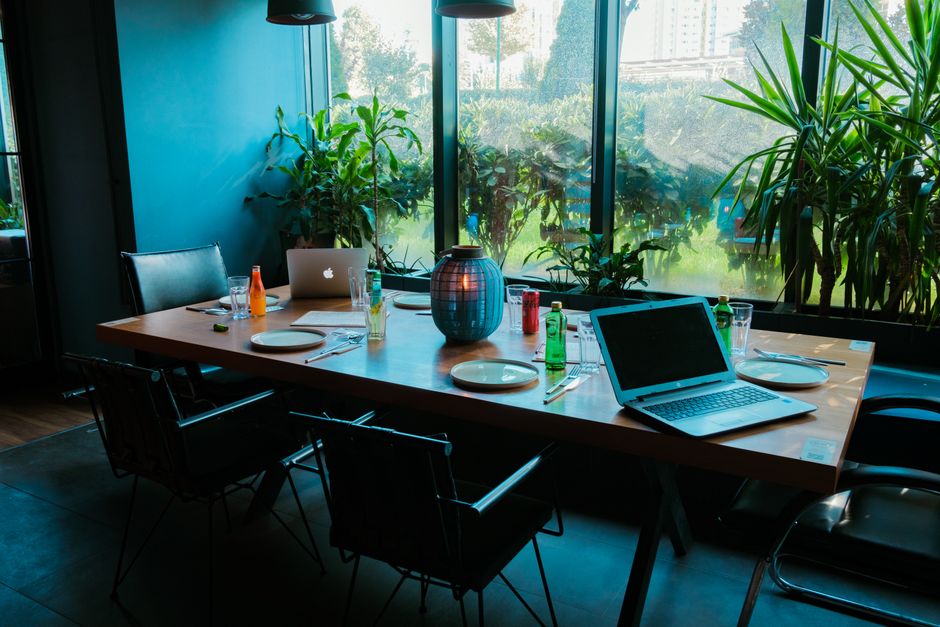
You can’t control your environment. The café will play bad music. The hostel common room will have a loud video call happening three feet away. The train will have a crying baby.
The Sony WH-1000XM5 ($350) are the best noise-canceling headphones for one reason: they block voices, not just engine hum. Most ANC headphones handle constant low-frequency noise well. Voices are harder. Sony’s algorithm is the best I’ve tested at muting the exact frequencies of human speech.
Battery life is 30 hours with ANC on. That’s a full work week of use without charging. They fold flat but not compact, so they eat backpack space. The tradeoff is worth it if you work in shared spaces regularly.
Cheaper alternative: the Anker Soundcore Space Q45 ($150). ANC is maybe 80% as good. Battery lasts 50 hours. If you’re on a budget, this is the pick.
What I’d Buy First (and What to Skip)
If I were starting over with $500, here’s the order I’d buy in:
- Anker Prime power bank ($179) — solves the most common failure
- TP-Link travel router ($40) — fixes bad Wi-Fi permanently
- Roost stand ($89) — saves your neck and back
- Compact Bluetooth keyboard ($50-80) — any decent one works
- Noise-canceling headphones ($150-350) — last, because earbuds with foam tips can work in a pinch
Skip these entirely: portable monitors (too much power draw, too fragile), external SSDs over 1TB (cloud storage is fine for most work), and any gadget that promises to “boost productivity” through an app. The hardware matters less than the habits.
Final Verdict: The Real Workspace Is Your Habits

Gear fails. Batteries die. Wi-Fi drops. The nomads who thrive long-term are the ones with simple setups and strong routines. They test every piece of gear before leaving home. They have a backup for connectivity. They protect their sleep and their posture.
The mobile workspace of 2026 isn’t about having more gadgets. It’s about having fewer failure points. Every item in your bag should solve a specific problem you’ve actually experienced — not a hypothetical one you read about online.
Pack light. Test everything. And remember: the best workspace is the one you don’t have to think about.